
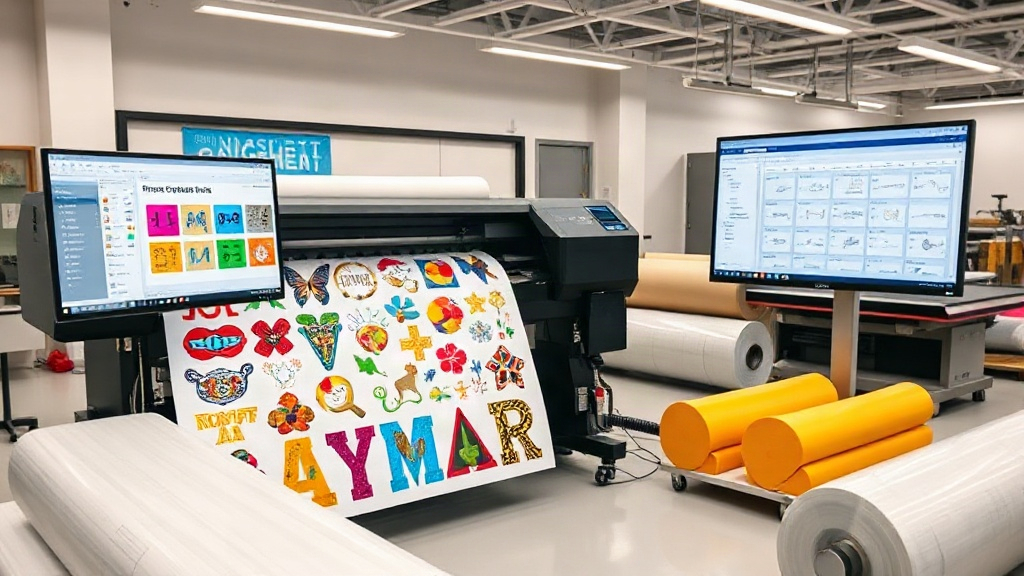
If you run a custom apparel business, you know that time is money. Every minute spent manually arranging prints on a transfer film is a minute not spent fulfilling orders or growing your brand. That's where a dtf gangsheet builder comes in. This tool isn't just a convenience; it's a profit multiplier. By automating the layout of multiple designs onto a single sheet, you reduce waste, save on materials, and dramatically increase your production speed. In this guide, we'll dive deep into how a gang sheet builder works, why it's essential for your DTF printing setup, and how to use it to maximize your profits. Whether you're a solo entrepreneur or managing a large shop, mastering the gang sheet builder will give you a competitive edge.
What Is a DTF Gangsheet Builder?
A DTF gangsheet builder is a software tool that helps you arrange multiple DTF (Direct to Film) transfers onto a single large sheet, often called a gang sheet. Instead of printing each design individually, you combine them into one print job. This approach is similar to gang printing in offset lithography, where multiple jobs are combined to save time and resources. With DTF printing, the benefits are even more pronounced because you can mix different designs, sizes, and quantities on the same sheet, optimizing the use of your transfer film and ink.
The builder typically provides a drag-and-drop interface where you can import your artwork, set the dimensions, and automatically nest the designs to minimize empty space. Advanced builders even calculate the most efficient layout, accounting for cut lines and spacing requirements. Once your gang sheet is ready, you send it to your DTF printer, and after printing, you have a sheet full of transfers ready to press onto garments.
Why You Need a DTF Gangsheet Builder
If you're still manually laying out your DTF transfers, you're likely wasting time and money. Here's why a gangsheet builder is a game-changer:
- Cost Savings: By maximizing the use of each sheet, you reduce the amount of film and ink used per transfer. This can cut your material costs by 20-30% or more.
- Time Efficiency: Automating the layout process saves hours of manual work. You can prepare a full sheet in minutes instead of hours.
- Consistency: Automated nesting ensures consistent spacing and alignment, reducing errors and reprints.
- Scalability: As your order volume grows, a gangsheet builder allows you to handle larger batches without hiring more staff.
- Versatility: You can combine different designs for different customers on one sheet, making it ideal for small-batch and on-demand printing.
In short, a gangsheet builder is not just a tool; it's a strategic asset that directly impacts your bottom line.
How to Choose the Right DTF Gangsheet Builder
Not all gangsheet builders are created equal. When selecting a tool for your shop, consider these factors:
1. Ease of Use
Look for an intuitive interface that doesn't require a steep learning curve. Drag-and-drop functionality, snap-to-grid, and automatic nesting are must-haves. If you're new to DTF printing, choose a builder with tutorials or customer support.
2. Compatibility
Ensure the builder supports your printer's file formats (e.g., PDF, PNG, TIFF) and can export in the required resolution (typically 300 DPI). It should also integrate with your existing design software.
3. Nesting Algorithms
The quality of the nesting algorithm determines how efficiently your sheet is packed. Advanced algorithms can rotate and rearrange designs to fill gaps, saving more film. Test different builders with a sample layout to compare efficiency.
4. Pricing Model
Some builders are one-time purchases, while others are subscription-based. Calculate the ROI based on your monthly volume. A subscription might be worth it if it saves you significant material costs.
5. Additional Features
Look for features like barcode generation for order tracking, integration with e-commerce platforms, and the ability to save templates for repeat orders. These extras can streamline your workflow further.
Step-by-Step Guide to Using a DTF Gangsheet Builder
Ready to get started? Follow these steps to create your first gang sheet like a pro:
- Prepare Your Artwork: Ensure all designs are in high resolution (300 DPI) and have transparent backgrounds. Crop them to the desired size.
- Set Sheet Dimensions: Enter the width and length of your DTF film roll. Common widths are 13", 17", and 24". The builder will use this to create a virtual sheet.
- Import Designs: Drag and drop your files onto the sheet. The builder will automatically place them, but you can adjust positions manually if needed.
- Optimize Layout: Use the auto-nest feature to minimize waste. Check the spacing between designs; typically, 0.1-0.2 inches is sufficient to allow for cutting.
- Add Cut Lines (Optional): Some builders allow you to add cut lines or registration marks for easier trimming after printing.
- Review and Export: Preview the sheet to ensure all designs are correctly placed and sized. Export as a high-resolution PDF or PNG.
- Print and Press: Send the file to your DTF printer. Once printed, apply hot melt powder, cure, and press onto garments as usual.
With practice, you'll be able to create gang sheets in under five minutes.
Maximizing Efficiency with Your Gangsheet Builder
To get the most out of your gangsheet builder, adopt these best practices:
- Group Similar Jobs: Combine designs with similar ink coverage and film requirements to maintain consistent print quality.
- Use Standard Sizes: Stick to standard sheet sizes to avoid waste from custom cuts.
- Monitor Ink Usage: Some builders estimate ink consumption. Use this data to optimize layouts and reduce costs.
- Keep a Library: Save frequently used designs as templates for quick reordering.
- Regularly Update Software: Builders often release updates with improved algorithms. Stay current to benefit from the latest efficiency gains.
Common Mistakes to Avoid
Even with a builder, some pitfalls can reduce your savings. Watch out for:
- Overcrowding: Packing designs too tightly can cause cutting errors. Leave adequate spacing.
- Ignoring Grain Direction: DTF film has a grain; aligning designs with the grain ensures proper adhesion.
- Forgetting Bleed: Add a small bleed around designs to account for cutting tolerances.
- Using Low-Resolution Art: Always use 300 DPI images; otherwise, the prints will look pixelated.
Frequently Asked Questions
What is a DTF gangsheet builder?
A DTF gangsheet builder is software that arranges multiple DTF transfers onto a single sheet to optimize printing efficiency and reduce waste.
Can I use a gangsheet builder with any DTF printer?
Most builders export standard file formats like PDF or PNG, which are compatible with virtually all DTF printers. However, check that the builder supports your printer's resolution and sheet size.
How much can I save by using a gangsheet builder?
Savings vary, but many shops report reducing film and ink costs by 20-30%. The time savings alone can significantly increase your production capacity.
Is a gangsheet builder difficult to learn?
Not at all. Most builders have intuitive drag-and-drop interfaces. With a few tutorials, you can master the basics in an hour.
Do I need a gangsheet builder for small orders?
Even for small orders, a builder helps you combine multiple designs, reducing waste and saving time. It's beneficial for any volume.
Conclusion
Incorporating a dtf gangsheet builder into your DTF printing workflow is one of the smartest investments you can make. It streamlines production, cuts costs, and allows you to scale your business without sacrificing quality. By following the tips in this guide, you'll be well on your way to maximizing your profits and efficiency. Remember, in the fast-paced world of custom apparel, every second and every inch of film counts. Let a gangsheet builder handle the heavy lifting so you can focus on growing your brand.