Optimizing Your Workflow with the Custom DTF Gangsheet Builder
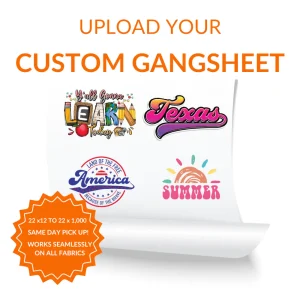
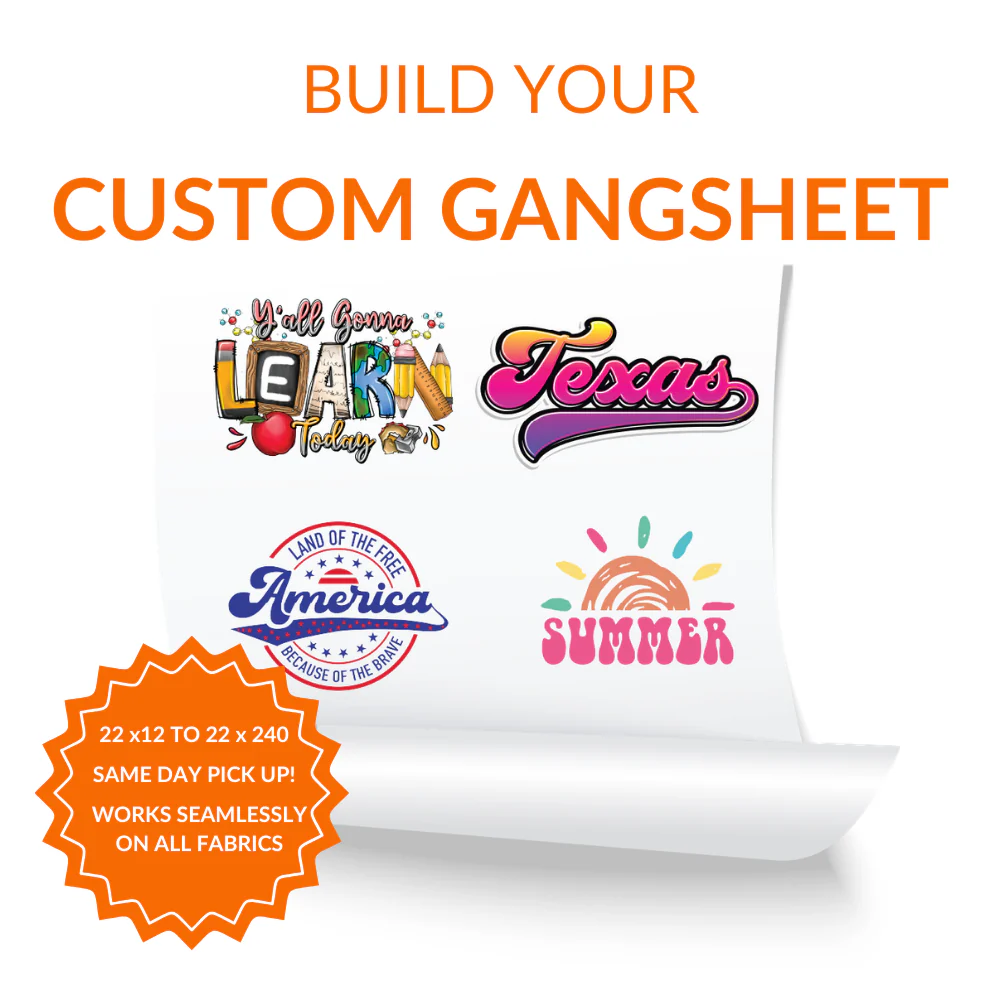
The Custom DTF Gangsheet Builder is a revolutionary tool designed to streamline the production pipeline for modern garment decorators. By allowing users to organize multiple designs onto a single roll, it significantly reduces material waste and lowers the unit cost per print. This interactive platform empowers creators to take full control of their printing real estate, ensuring that every square inch of the transfer film is utilized with maximum spatial efficiency.
Beyond simple layout management, this system integrates advanced scaling tools to maintain the integrity of your artwork. Using the Custom DTF Gangsheet Builder ensures that your graphics are not distorted during the arrangement process, which is a critical quality control factor for professional results. The software provides a stable environment where designers can experiment with placement without the need for expensive third-party graphic suites, making it an accessible powerhouse for entrepreneurs.
Superior Precision for High-Volume Printing Projects with Custom DTF Gangsheet Builder
When using the Custom DTF Gangsheet Builder, technical precision is at the forefront of the user experience. The interface supports high-resolution uploads, maintaining the vector clarity and color depth of your original artwork across various scaling options. This ensures that even the most intricate details are preserved, providing a reliable output quality that professional print shops demand for their high-end client portfolios.
Advanced algorithms within the system help users manage margins and “safe zones” to prevent overlapping during the cutting process. By providing real-time feedback on layout density, the tool helps avoid common pitfalls such as ink bleeding or registration errors. This level of technical oversight makes the tool an essential asset for businesses looking to scale their operations without sacrificing the meticulous standards of their brand.
Maximizing Profitability Through Strategic Layout Design
Economic viability is a core benefit of integrating the Custom DTF Gangsheet Builder into your business model. Traditional single-print methods often result in significant film remnants that cannot be repurposed, leading to avoidable overhead expenses. By consolidating diverse logos, neck labels, and large graphics into one cohesive sheet, you effectively transition from a retail-style purchasing habit to a wholesale production mindset.
Furthermore, the builder facilitates a faster turnaround time by reducing the manual labor involved in repetitive print setups. Instead of processing dozens of individual files, the tool allows you to submit one comprehensive project file that is ready for immediate production. This operational agility enables small businesses to compete with larger manufacturers by offering shorter lead times and competitive pricing structures.
Versatile Applications of the Custom DTF Gangsheet Builder
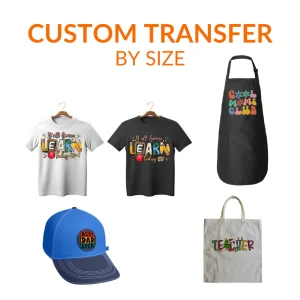
The versatility offered by the Custom DTF Gangsheet Builder extends far beyond simple t-shirt printing. The transfers produced via this method are compatible with a wide array of fabrics, including cotton, polyester, and durable blended synthetics. This multi-substrate compatibility ensures that your designs can be applied to hats, hoodies, tote bags, and even specialized workwear with consistent adhesion properties.
Moreover, the tool accommodates varying sizes of graphics within the same layout, making it perfect for limited edition collections or promotional kits. Creators can experiment with different colorways and design variations side-by-side within the interface. This flexibility is particularly advantageous for designers who wish to test prototyping concepts before committing to larger production runs.
Intuitive Interface for Seamless Graphic Integration
Accessibility is key to the design of our Custom DTF Gangsheet Builder, featuring a user-friendly drag-and-drop system. Even those with minimal graphic design experience can navigate the placement tools to achieve a professional-grade layout. The software includes automated alignment features and rotation tools that simplify the organization of complex geometric shapes within the designated print area.
Beyond ease of use, the system provides a comprehensive preview mode that mimics the final printed result. This allows for a final quality check of the project, ensuring that nothing is cut off and that the resolution is sufficient for the desired print size. By removing the guesswork from the prepress stage, we provide a path to consistent excellence in every batch.
How do I start using the Custom DTF Gangsheet Builder?
Simply upload your transparent PNG files directly to the builder interface and start arranging them on the canvas.
What file resolution is required for the best results?
We recommend using files with at least 300 DPI to ensure your prints remain sharp and vibrant after the transfer.
Can I include different designs on the same sheet?
Yes, the builder allows you to mix and match as many different designs as you can fit within your chosen dimensions.
Is there a limit to the length of the gangsheet?
The builder offers various length options to accommodate both small projects and industrial-scale production requirements.
Do I need to mirror my images before uploading?
No, our system handles the mirroring process automatically during production, so please upload your files in their original orientation.